Troubleshooting
Kredi Lab isn’t in the Effects browser
The first time you open Kredi Lab FxPlug, it adds the Kredi Lab effect to Final Cut Pro — but only if Final Cut Pro is closed at that moment. If Final Cut Pro was running, the effect wasn’t added.
- Quit Final Cut Pro.
- Open Kredi Lab FxPlug from Applications and choose Reinstall Motion Template… from the Kredi Lab FxPlug menu.
- Open Final Cut Pro and look under Effects → Kredi Lab.
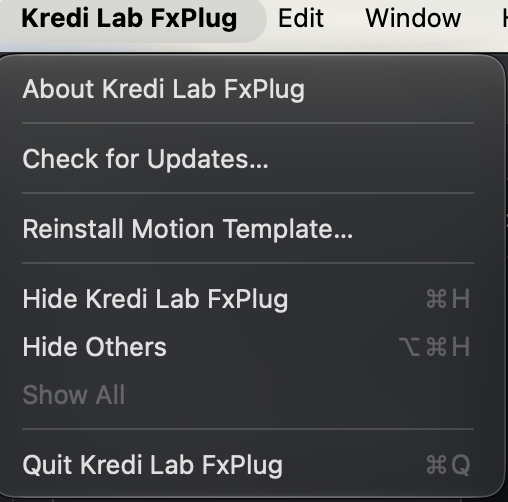
The same fix applies if a new section is missing from the inspector after an update.
Still stuck? Email hello@kredi-lab.com with the version line from the plug-in’s header.